
Prices in local currency
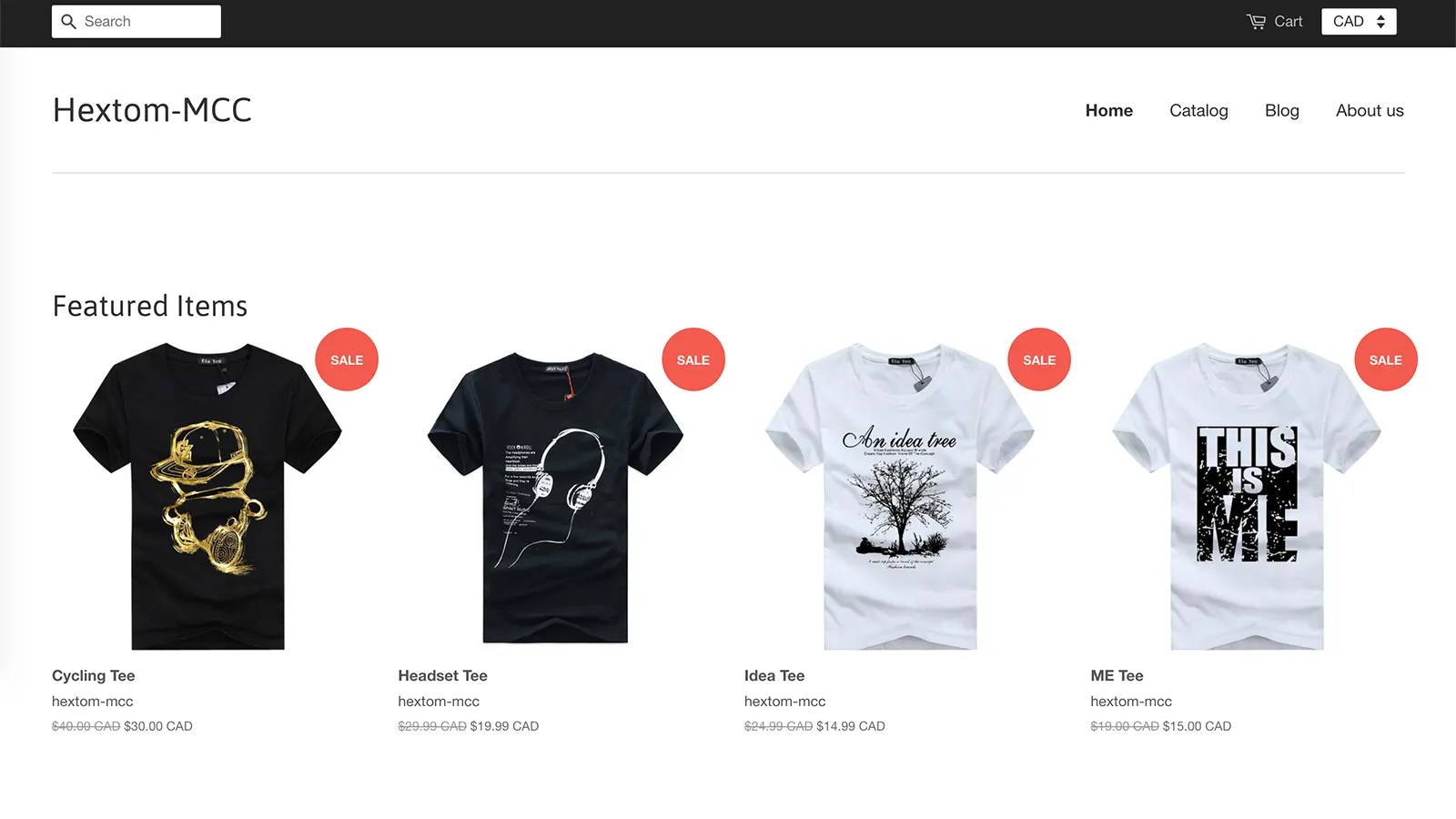
Visitors see converted prices based on their location, with nothing to click.
 Hextom: Currency Converter ✓ Built for Shopify
Currency Converter detects where each visitor is and shows your prices in their local currency. Add a currency selector, use real-time or fixed rates, and round prices so they look clean.
4.8 from 38 reviews on the Shopify App Store ↗7-day free trial · $9.99/month · Cancel anytime in Shopify
How it works
Copy the HTML formats from the app’s FAQ into the currency formatting in your Shopify settings. You only do this once.
Turn on the converter in the app, plus the currency dropdown if you want one. Prices now convert by visitor location.
Pick the currencies you support, add fixed rates if you prefer, choose a rounding rule, and save.
Why merchants choose it
Visitors see converted prices based on their location, with nothing to click.
Add a dropdown so shoppers can switch currency themselves.
Use automatically updated exchange rates, or set your own rate for any currency.
Round converted prices to a whole number or to end in .99, and show or hide the currency code.
Support every currency or only the ones you pick. Visitors from other regions see your store’s base currency.
Loved by merchants
“I needed something to easily integrate into my website. MCC is a great app. It was easy to install and the support I received to install it was fantastic.”
“Great app for any store. helped with international sales and also setup was very easy”
“Easy to install app and works seamlessly with our site. Service was great and professional and custom tweaks were all [accommodated] quickly.”
“We used another very popular one prior to this, which broke a lot of code on our website. This one integrated seamlessly and support was very fast and helpful.”
“Great app, have used a few in the past. This one allows you to round prices up to the nearest 0.99 and just does what it says on the tin.”
“If you’re selling overseas then this app is a no-brainer. … Installed in a few minutes and looks great.”
“We looked at the different currency apps and decided to try this one as the pricing was favourable and the setup was quick. … Honestly, we were up and running in 5 mins.”
$9.99/mo
Need checkout in local currency, or a translated store? Hextom AI Translate & Currency works with Shopify Markets, so shoppers can pay in their own currency, and adds AI translation and a language selector. Its free plan includes 186 currencies. See AI Translate & Currency →
FAQ
No. Currency Converter changes the prices shown on your storefront, such as product and cart pages. It can’t convert the checkout, which uses your store’s base currency. If you need local-currency checkout, Hextom AI Translate & Currency supports it through Shopify Markets.
Learn more in the tutorial →Yes, one step. In Settings > General, open Currency display, choose Change currency formatting, and paste the two HTML formats from the app’s FAQ. Then turn the converter on in the app.
Learn more in the tutorial →Yes. Use real-time rates or set a fixed rate for any currency. Converted prices can stay as they are, round to a whole number, or end in .99. You can also show or hide the currency code.
Learn more in the tutorial →7-day free trial · $9.99/month · Cancel anytime in Shopify

Translate your store with AI like ChatGPT, Claude and Gemini, plus a currency converter and language selector. A built-in AI assistant helps you set it up.

Bulk edit products, collections, customers, orders and metafields in a few clicks or by CSV import and export. Every change is backed up and revertible.

Bulk edit Shopify images with AI background removal, enhancement and alt text. Compress and resize photos, and add JSON-LD and agents.md for search and AI.
