
Exit intent or timed
Show the offer as the cursor heads for the exit, or after the number of seconds you choose.
 Last Second Coupon ‑ Exit Pop
When a visitor is about to leave, show a coupon popup that fits your store. Choose who sees it, where and when, and track the displays, orders and sales it brings in.
4.9 from 49 reviews on the Shopify App Store ↗Free to install and use · Works with your Shopify discount codes · Live preview as you design
How it works
Pick a coupon popup or a spin wheel, then a template. The live preview updates as you edit.
Enter your headline and a discount code you’ve already created in Shopify Discounts, then choose who sees the popup and when.
The campaign goes live, and the dashboard shows its displays, orders and sales.
Why merchants choose it
Show the offer as the cursor heads for the exit, or after the number of seconds you choose.
Limit a campaign to the cart page, to desktop or mobile, or by cart value and visitor location.
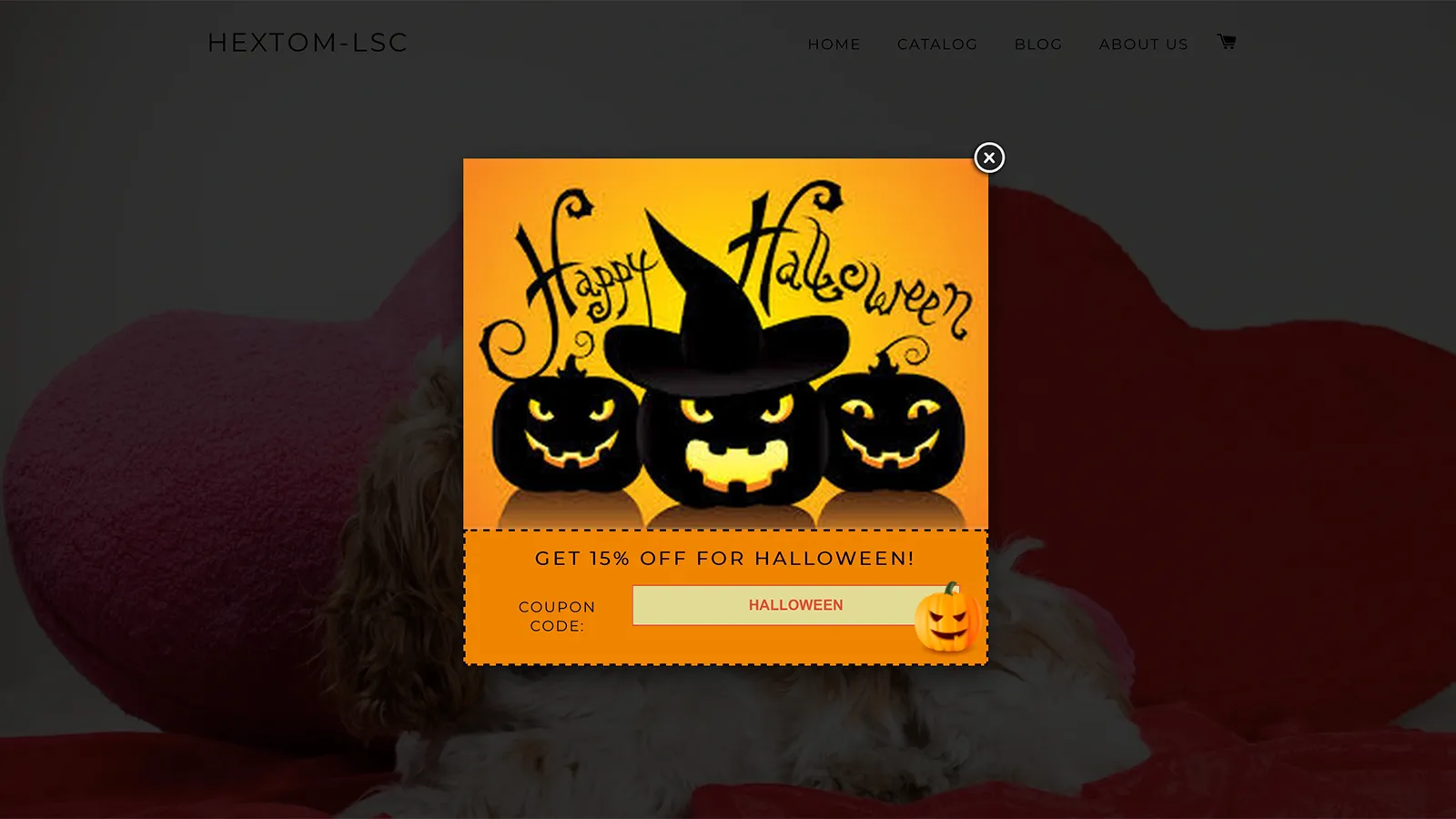
Start from Halloween, Christmas, Valentine’s, Easter, Summer and more, then adjust the colors and text.
Upload a picture to sit above the coupon box, or use a single image that already shows your code.
Let visitors spin a wheel for a prize instead of just seeing a code.
Track displays, orders and sales for each campaign, and compare which offers work best.
Loved by merchants
“Easy to use. Effective. As to how effective exactly? The stats tell the story, and what a fanta$tic story it is in terms of saved sales.”
“We have used this app for our business now for well over a year … It isn’t obnoxious like many others we have tried. It is easy and effective. Customers get a coupon, and make the purchase. Win-Win!”
“A good app with easy to use set up and dashboard. Has help[ed] us improve our exit conversion rate on our UK shop…”
“It’s easy to use, including the ability to customize the look of the pop-up. I like the quick stats that the app offers, too, so we can do testing and see what offers work best.”
“I couldn’t believe how quick the support team got back to me with an issue I raised. It was solved within less than 24 hours … We noticed an increase in sales immediately!”
“Very easy to use. Within 5 minutes claimed my first customer.”
“Easy to use - I especially like the photo personalization option for the pop up.”
“The first day I used this app we had 14 customers use the 10% off coupon for a total of $1100 in sales recovered.”
FAQ
Yes. The app is free to install and use, with no paid plans.
No. The popup shows a code but can’t create one. Create the same code as an active discount in Shopify’s Discounts section first, or shoppers will see a code that doesn’t work at checkout.
Learn more in the tutorial →Yes. In Targeting & display rules, limit the campaign to one page type such as the cart page, choose desktop, mobile or both, and show it after a delay or when the visitor is about to leave.
Learn more in the tutorial →Free to install and use · Works with your Shopify discount codes · Live preview as you design

Show shoppers how much more to add for free shipping, with messages that update as the cart fills. Set goals by market and convert them to local currency.

Promote sales, shipping notices and store news on a fully customizable banner. Rotate bars, animate messages and target by location, customer or page.

Sell more per order with upsell, BOGO, bundle, volume and post-purchase offers, plus countdown timers, labels, badges and smart recommendations.
